
UGC
Unban & Governance Control workspace

At a glance
Key capabilities
What UGC focuses on before you open the full module list.
Plus 2 additional modules in the operator portal—see the full list below.
Overview
UGC appeal workspace
How this build fits ranked, Turbo, and patch-day workflows.
UGC (Unban & Governance Control) helps you track Steam and VAC restriction appeals with structured workflows instead of scattered notes.
Buy through secure checkout, then follow the portal guide for your restriction type. This is separate from League of Legends cheat modules.
What is UGC?
UGC (Unban & Governance Control) is an appeal workspace for Steam restrictions and VAC bans. It helps you organize evidence, track case steps, and follow documented workflows—not a guaranteed unban service.
When to use UGC
Use UGC when you need structured appeal tracking for account-level restrictions. It is separate from in-game LoL cheat modules and from HWID-focused recovery tools.
Checkout
Select Buy now to open secure checkout for the UGC tool. Review scope and pricing on the checkout page before purchase.
Modules
What's included
Every module and overlay shipped with UGC—toggle and tune in the operator portal.
- Appeal workflow templates
- Case status tracking
- Evidence checklist
- Restriction type notes
- Portal documentation
- Operator support channel
Experience
In the client · After you buy
Use the screenshots above for UGC—below is what each layer means and how access works after checkout.
In-game layers
- Layer A
Module settings
Enable wards, jungle tracking, cooldowns, and streamproof per profile.
- Layer B
Overlay HUD
Grouped controls for vision, timers, and streamproof display modes.
Guides
Learn more about UGC
Curated articles for setup, tuning, and patch-day checks that match this product.
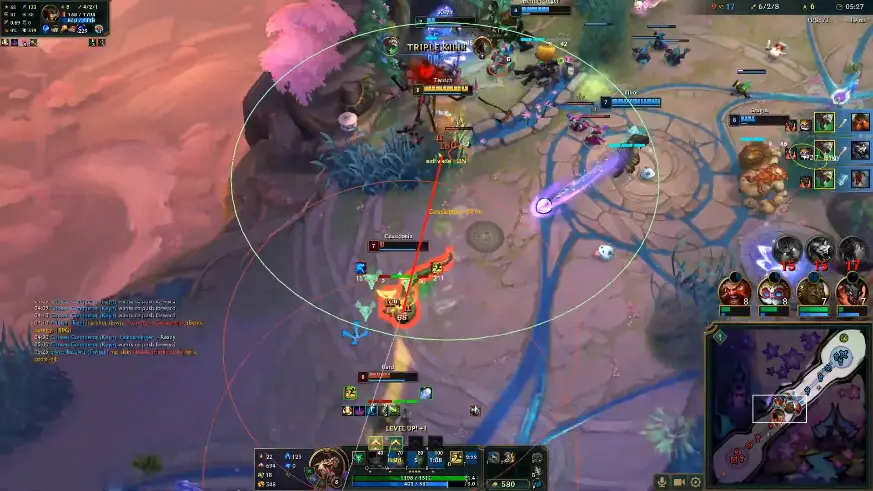
ESP, ward tracking, jungle awareness, cooldown timers, minimap overlay, and streamproof modes explained.
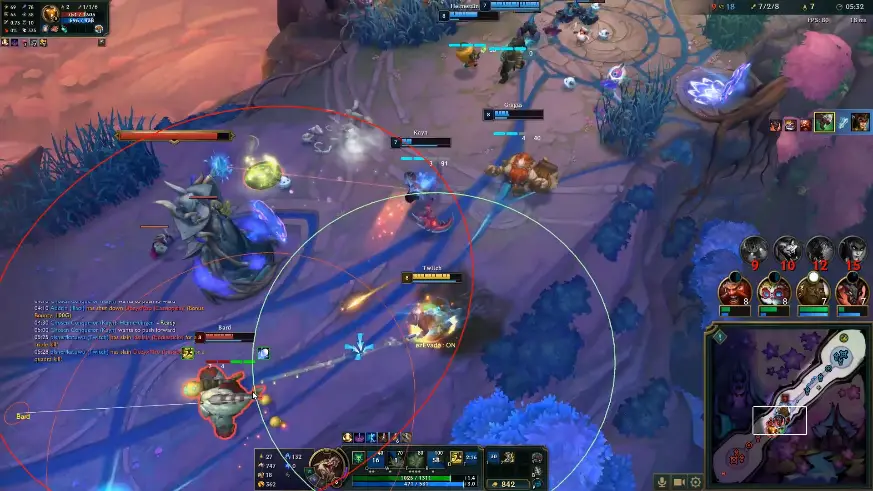
Tune champion ESP, fog tracking, and ward overlays before ranked on Windows PC.
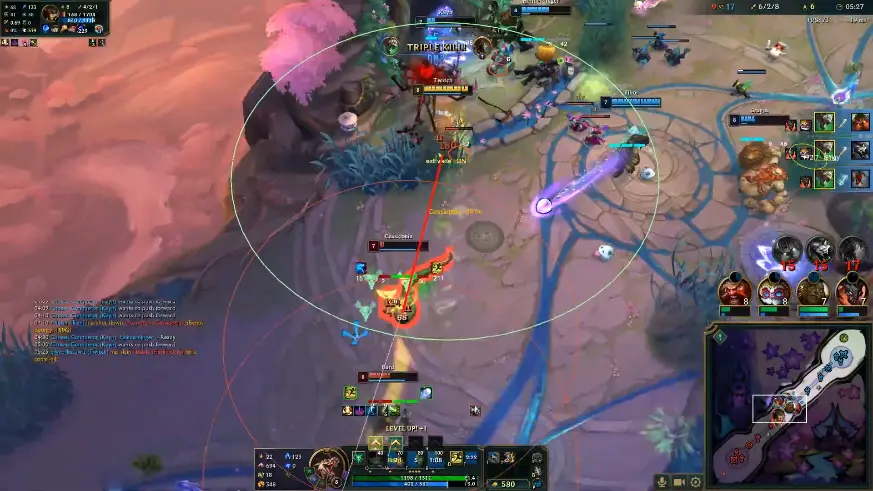
Configure spell, ultimate, and summoner timers for teamfights and skirmishes.

Minimap ESP, last-seen markers, and jungle tracking for safer roams.
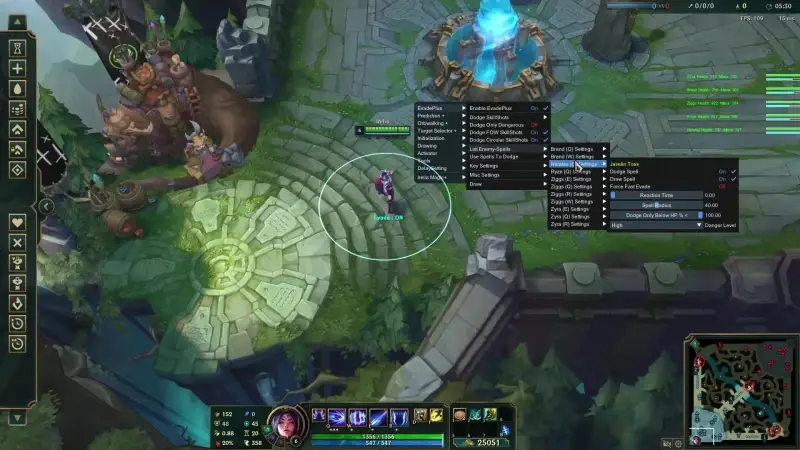
Hide ESP and minimap overlays from OBS and capture tools.
How to buy: Monthly vs Lifetime checkout on leagueoflegendscheat.com.
FAQ
Questions about this page
Answers tied to what you are reading—visit the FAQ page for every topic.